Payments
Tamil Invoice uses Stripe for payment links. Stripe is the payment processor and may require business verification.
Connect Stripe
- Open My Account.
- Open Payment Setup.
- Start Stripe Connect onboarding.
- Complete the Stripe form.
- Return to Tamil Invoice.
- Wait while Tamil Invoice confirms the latest Stripe status.
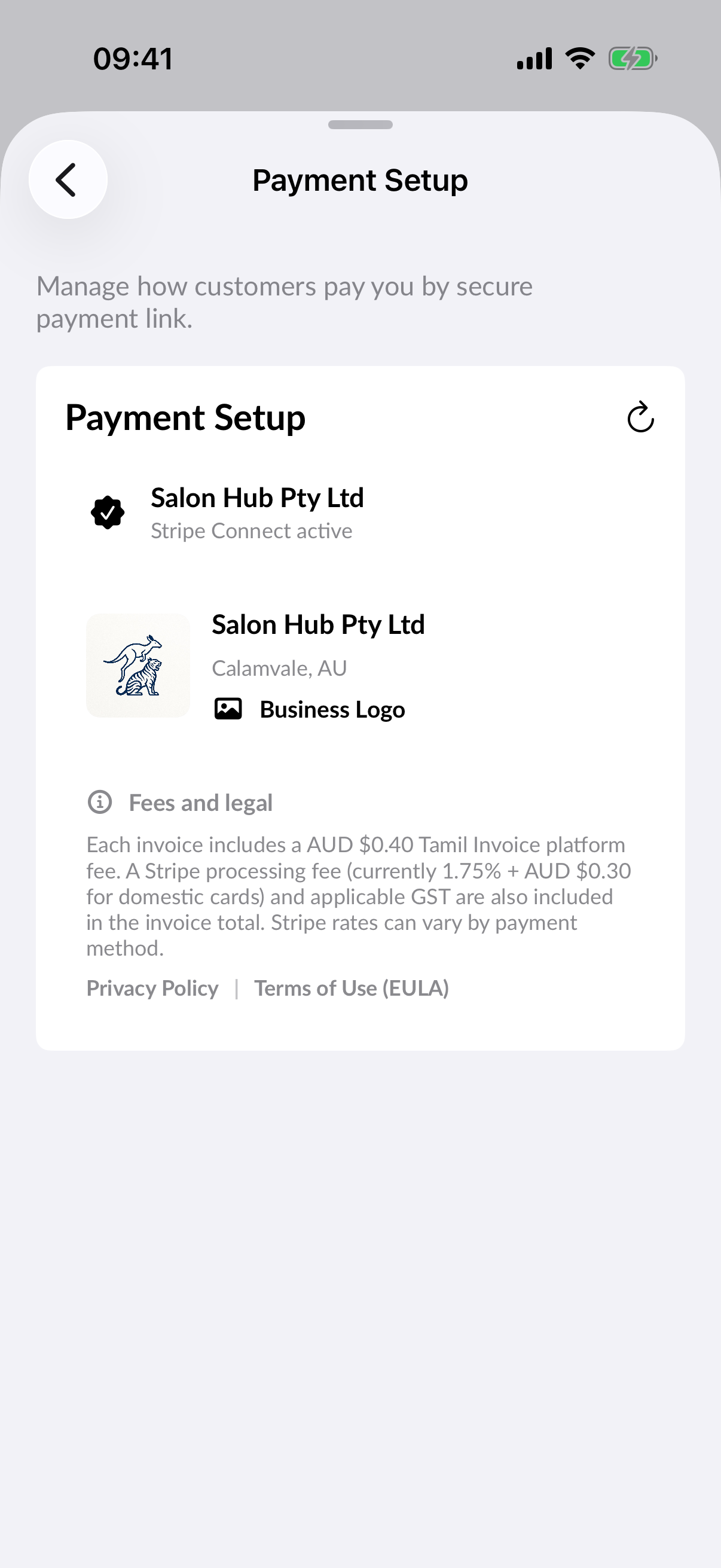
Return from Stripe
After Stripe finishes onboarding, Tamil Invoice returns to the app and checks Stripe directly. A completed account normally becomes ready automatically. If Stripe is still verifying information, Payment Setup shows that verification is pending and can be refreshed later.
Payment links
Payment links are sent to customers by email. Customers open the link and pay through Stripe-hosted checkout. Tamil Invoice records the payment status when Stripe confirms the payment.
Payouts and disputes
Payout timing, holds, disputes, chargebacks, and account restrictions are handled by Stripe. Keep your Stripe account details current and review Stripe notifications.
Receipts
When a payment succeeds, Tamil Invoice can send a receipt email to the customer and update invoice reporting.