App walkthrough
Tamil Invoice starts with a short onboarding flow before asking the business owner to sign in, request a one-time code, create an account, or use Sign in with Apple.
After sign-in
After signing in, Tamil Invoice guides the business owner through subscription access, business profile setup, payment setup, and invoice creation. Keep your business details current because these details are used on invoice emails, receipts, and payment records.
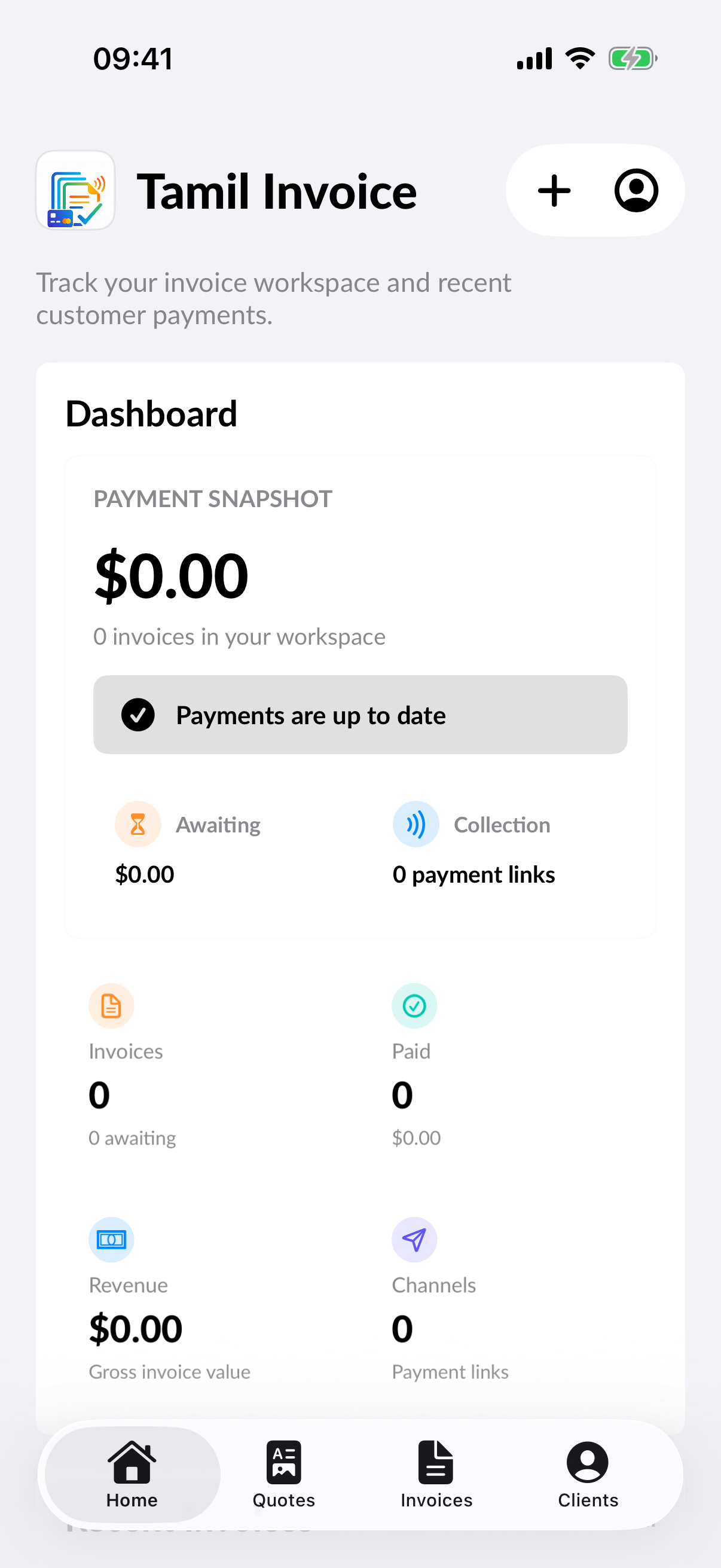
Dashboard
After onboarding is complete, the Home dashboard shows invoice activity, paid totals, revenue, payment channels, and recent invoices.
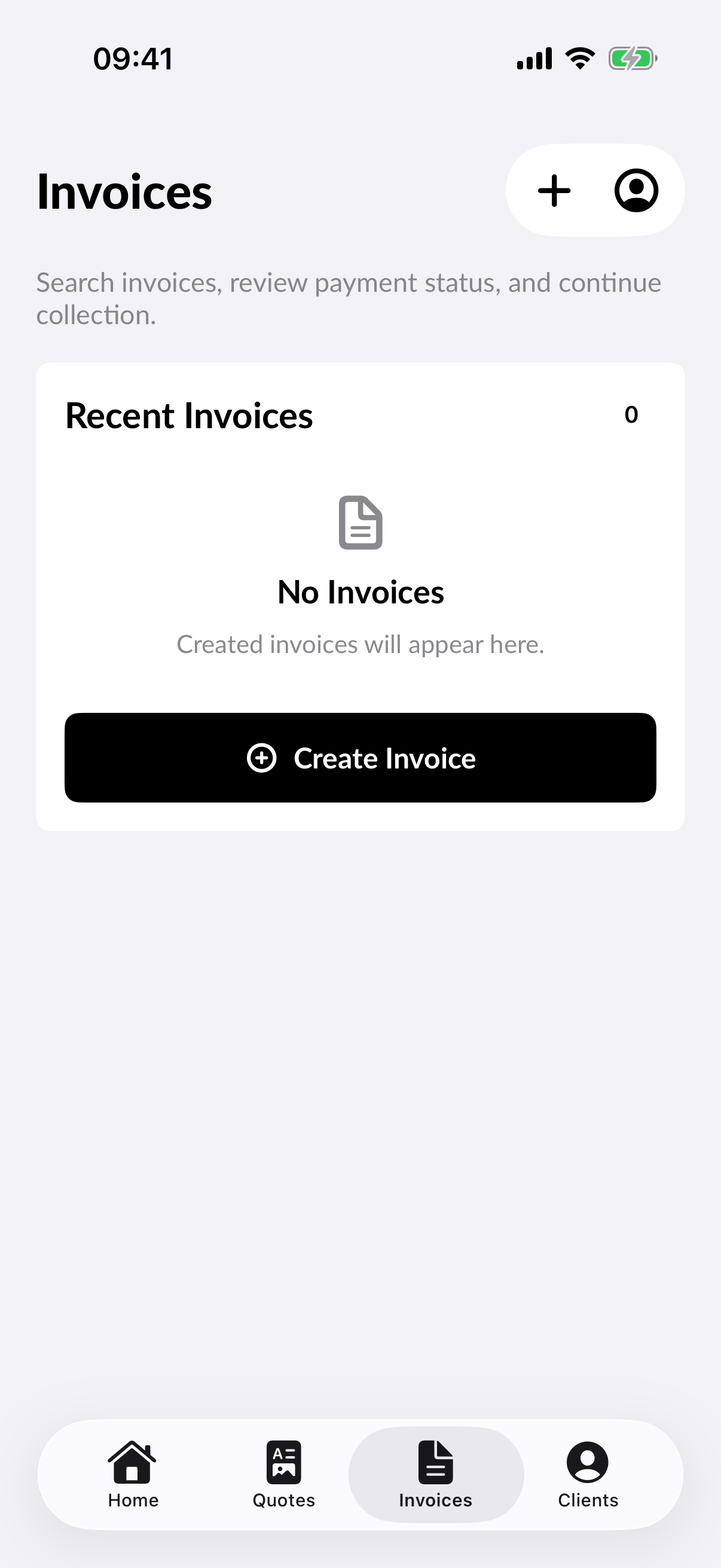
Invoices
Use the Invoices tab to review sent invoices, search invoice history, and continue payment collection.
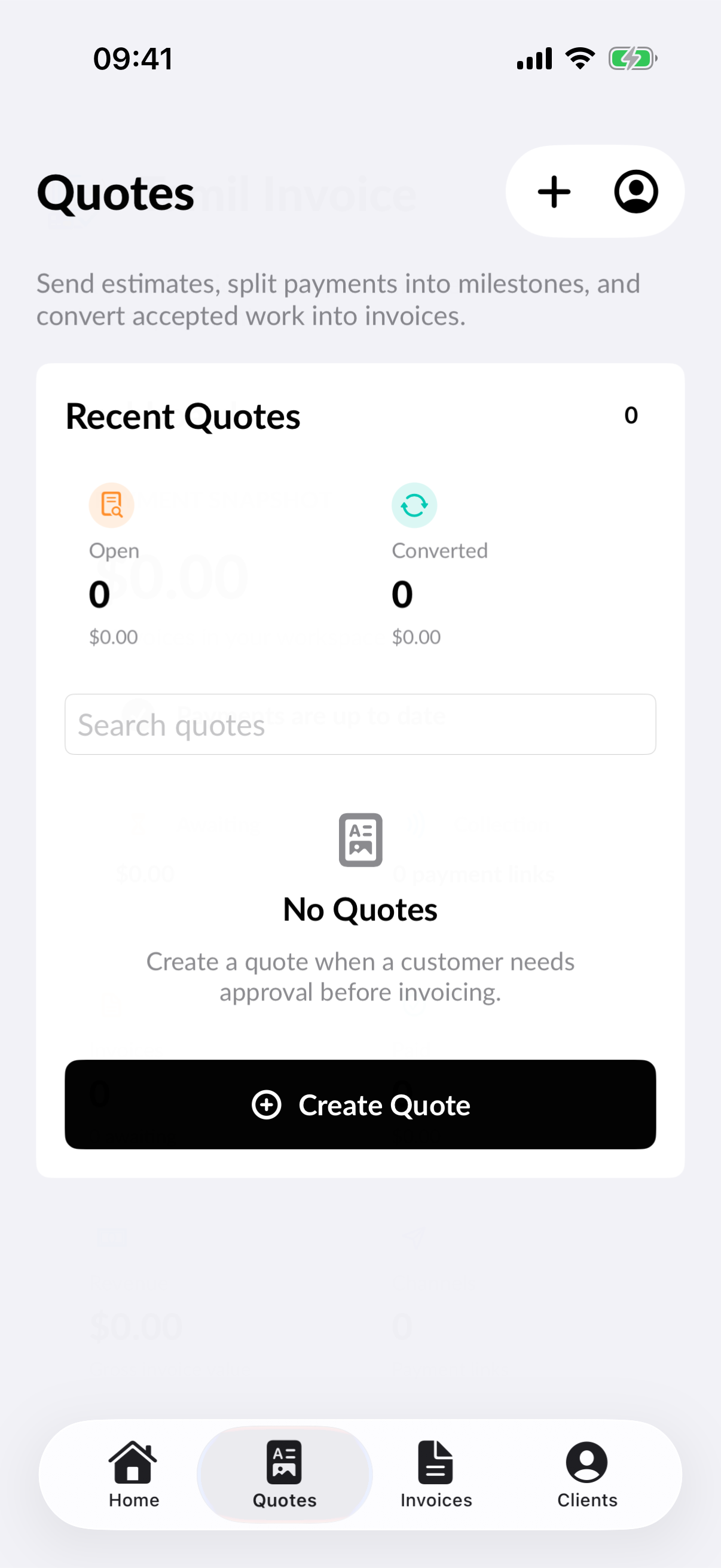
Quotes
Use the Quotes tab to prepare and review quotes before converting accepted work into an invoice.
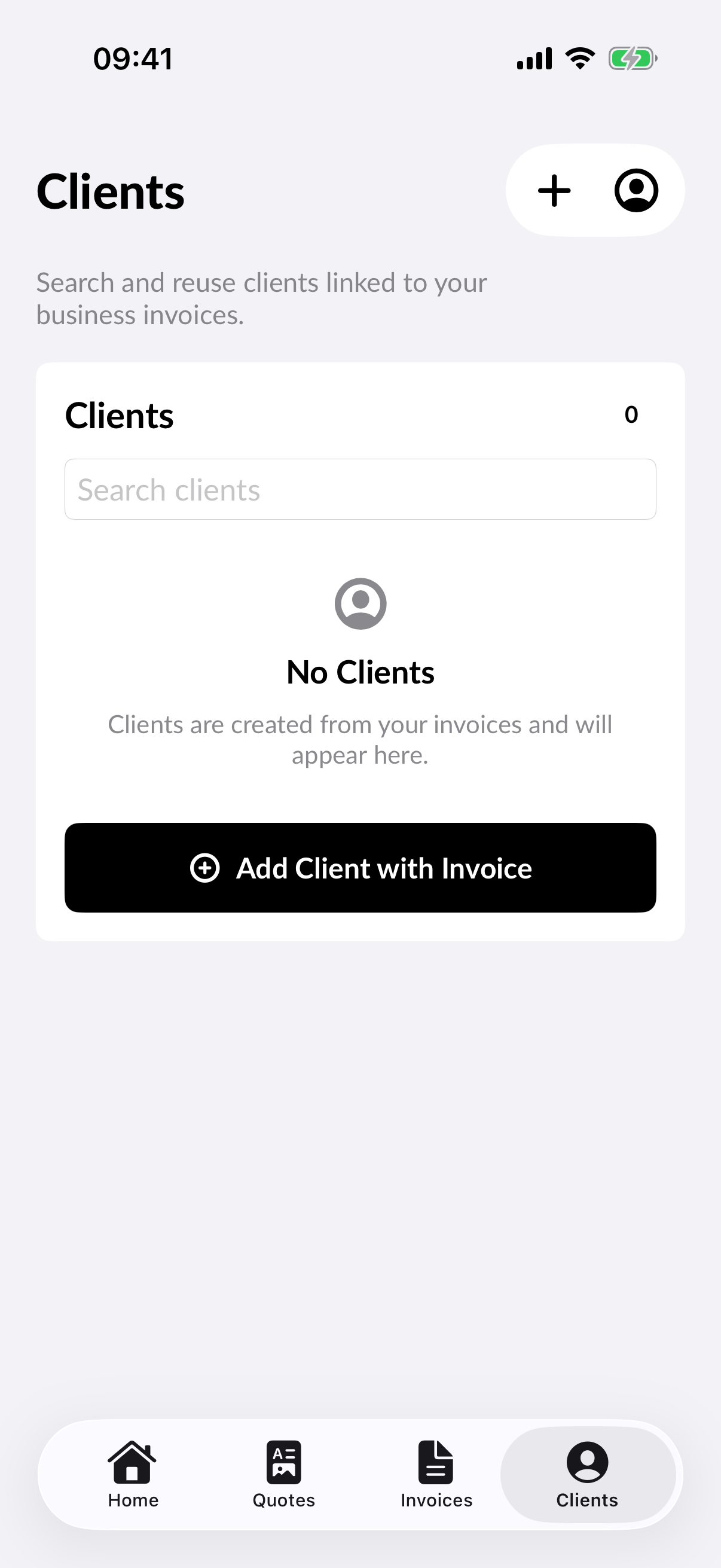
Clients
Use the Clients tab to review customer records and their invoice activity.